
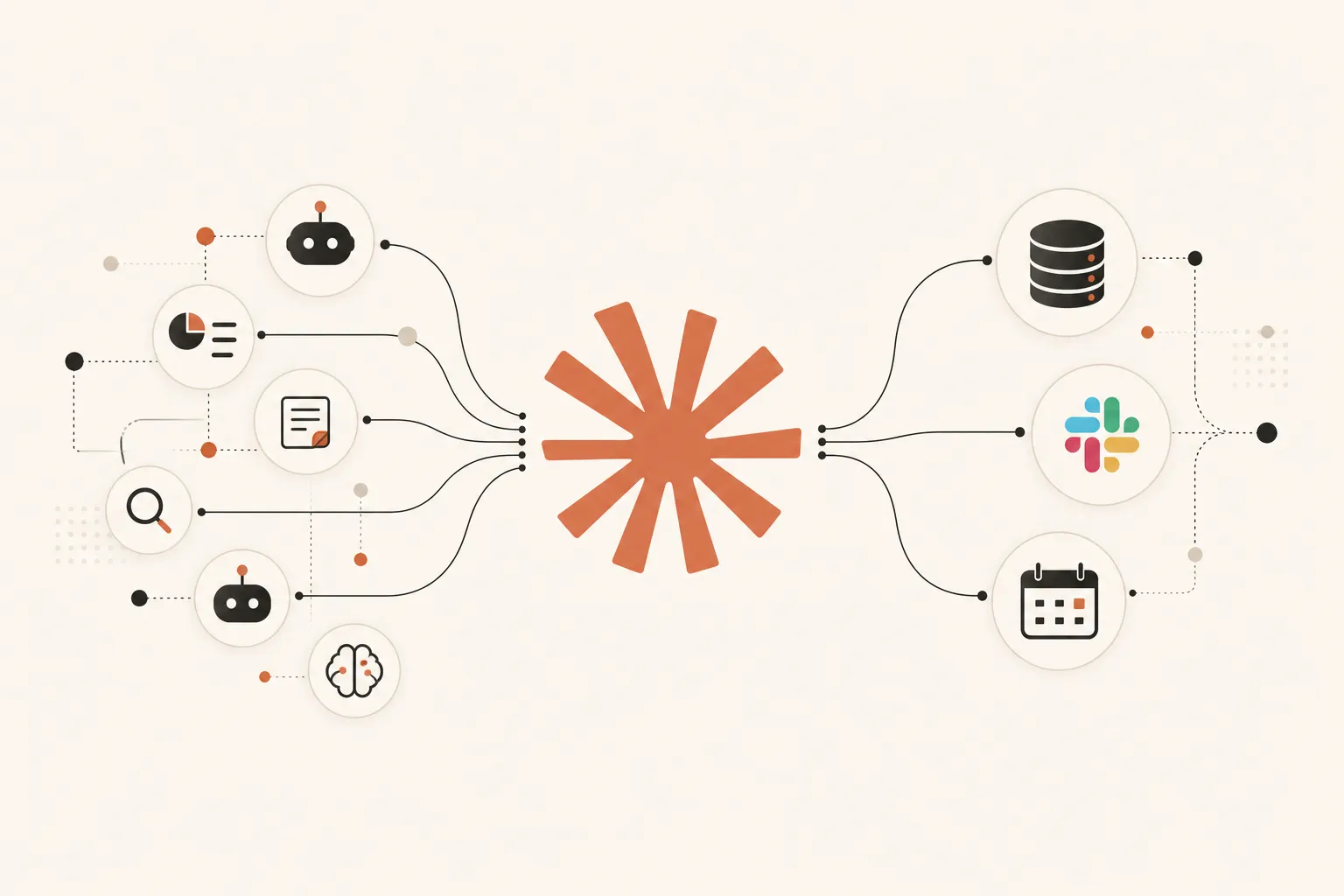
Anthropic launched Claude Managed Agents in public beta on April 8, 2026 — and within weeks, enterprise teams at Atlassian, Rakuten, and Notion had agents running in production. The pitch is simple: you define the task, the tools, and the guardrails. Anthropic handles the infrastructure. For B2B teams that want production-grade AI agents without building the plumbing from scratch, it's the fastest path from idea to deployment that currently exists.
What Are Claude Managed Agents and What Makes Them Different From Claude's Other Tools?
Claude Managed Agents is a hosted service from Anthropic that runs long-horizon AI agents on their infrastructure. You define the agent's model, system prompt, tools, and MCP servers — Anthropic handles sandboxed execution, state management, credential handling, error recovery, and end-to-end tracing. Unlike Claude.ai or the raw Claude API, agents can run autonomously for minutes or hours across multi-step workflows without any code to maintain.
Before Managed Agents, building a production-ready AI agent meant managing the entire runtime yourself: containers, state persistence, error handling, credential vaults. That's a significant engineering investment before writing a single line of business logic.
Managed Agents strips that away. You configure the agent once via the Claude Platform API. It runs in a secure, sandboxed cloud environment that Anthropic maintains. When a session crashes, Anthropic's checkpointing system recovers it. When a tool call fails, the error recovery layer retries it automatically.
The result: Rakuten shipped specialist agents across product, sales, marketing, finance, and HR — each live in under a week. Atlassian built Jira agents for developers in weeks instead of months. That pace is not possible when you're also building the infrastructure layer.
Key Takeaway: Claude Managed Agents removes the infrastructure burden of running production AI agents. You own the logic and configuration; Anthropic owns the runtime. For B2B teams without dedicated AI engineering, that's the difference between shipping in a week and shipping in a quarter.
What B2B Workflows Are Companies Actually Running on Claude Managed Agents?
B2B teams are deploying Claude Managed Agents across six high-ROI workflow categories: multi-step prospect research, CRM enrichment and cleanup, competitive intelligence monitoring, customer onboarding automation, document processing pipelines, and internal reporting. Each workflow benefits from Managed Agents specifically because it involves multiple tool calls, variable runtimes, and data that changes between steps.
Here's what production deployments look like in practice:
1. Prospect Research and Lead Qualification
An agent pulls a list of target domains, queries LinkedIn and Crunchbase for firmographic data, scores each account against ICP criteria, and writes personalized outreach notes — all in a single session. What took an SDR 15 minutes per account takes the agent under 30 seconds.
2. CRM Enrichment and Cleanup
Connect the agent to HubSpot or Salesforce via MCP. Ask it to find contacts missing job titles, identify deals stuck in the same stage for 30+ days, and enrich each record with current data. Runs unattended — no CSV exports, no manual review required.
3. Competitive Intelligence Monitoring
Schedule an agent to monitor competitor pricing pages, job boards, and product changelogs daily. It generates a structured brief — what changed, what it signals, what your team should know — delivered to Slack before the Monday standup.
4. Document and Proposal Processing
Feed the agent inbound RFPs, vendor questionnaires, or client briefs. It reads the document, pulls relevant context from your knowledge base via MCP, and drafts a structured response. Teams using this report cutting proposal prep time from 4 hours to 40 minutes.
5. Internal Reporting and Analytics
Pull revenue data from your CRM, support metrics from Zendesk, and campaign performance from HubSpot. The agent synthesizes it into a formatted weekly brief — no analyst required. Notion uses Managed Agents this way, letting teams delegate open-ended synthesis tasks without leaving the workspace.
This is exactly why companies are moving away from large SDR teams toward GTM engineers — one operator running a Managed Agent outproduces a room full of manual researchers.
Key Takeaway: The workflows that benefit most from Claude Managed Agents are multi-step, tool-heavy, and variable in runtime — exactly the tasks that break traditional automation tools when inputs change. If the workflow needs to reason, not just route, Managed Agents handles it.
How Do You Deploy Your First Claude Managed Agent in a B2B Stack?
Deploying a Claude Managed Agent takes four steps: create an agent configuration via the Claude Platform API, define the system prompt and tools, start a session, and poll for results. The entire setup from API credentials to a working first agent takes under two hours for most B2B teams. No infrastructure provisioning or DevOps work required.
Step 1: Set Up Your Claude Platform Account
Go to platform.claude.com, create an account, and generate an API key. Managed Agents is included in the Claude Platform — no separate product to purchase.
Step 2: Define Your Agent Configuration
POST /v1/managed-agents
{
  "name": "crm-enrichment-agent",
  "model": "claude-opus-4-7",
  "system_prompt": "You are a CRM enrichment specialist...",
  "tools": ["code_execution", "web_search"],
  "mcp_servers": [{ "name": "hubspot", "url": "...", "type": "remote" }],
  "policy": "auto"
}
The policy field controls execution behavior. "auto" lets the agent call tools without pausing. "confirmation" makes it check with you first — useful for agents that write or delete records.
Step 3: Start a Session
POST /v1/managed-agents/{agent_id}/sessions
{
  "input": "Find all HubSpot contacts created in the last 7 days missing a job title. Enrich each one using web search and update their records."
}
Step 4: Poll for Results
The session runs asynchronously. Poll the session endpoint or set up a webhook to receive results when the task completes. Full event history is stored server-side — fetchable at any time, even days after the session ran.
For teams who want this built without touching the API, Agentyug's AI agent development service builds and deploys custom Managed Agent configurations end-to-end, including MCP server setup and CRM integration.
Key Takeaway: A working Claude Managed Agent is a four-step process — configure, define, run, retrieve. Infrastructure (state, execution, error recovery) is fully managed. The only things you own are the business logic in the system prompt and your tool selection.
How Do Claude Managed Agents Connect to Business Tools via MCP?
Claude Managed Agents connect to external tools using Model Context Protocol (MCP) — Anthropic's open standard for exposing APIs, databases, and services to Claude as structured tool calls. You configure one MCP server object per integration in your agent definition. Once set up, the agent reads, writes, and acts on your business tools in natural language with no raw API code required.
MCP is what makes Managed Agents genuinely useful beyond a standalone AI assistant. Without MCP, the agent reasons and generates text. With MCP, it acts — updating CRM records, querying databases, sending Slack messages, creating Jira tickets.
Configuration for each MCP server is a single JSON object:
"mcp_servers": [
  { "name": "hubspot", "url": "https://mcp.hubspot.com",  "type": "remote" },
  { "name": "slack",   "url": "https://mcp.slack.com",   "type": "remote" },
  { "name": "linear",  "url": "https://mcp.linear.app",  "type": "remote" }
]
HubSpot, Slack, Firecrawl, Linear, and Notion all have native MCP servers. For tools without one — proprietary databases, internal APIs, legacy systems — a custom MCP server exposes them in the same structured format.
That's the gap Agentyug's MCP server development service fills. If your CRM, data warehouse, or internal tool doesn't have a native MCP connector, a custom server brings it into your agent's tool set in the same way as any native integration.
One agent can then pull data from your CRM, enrich it via external APIs, write results back to your database, and post a summary to Slack — all in a single session, zero custom code per integration.
Key Takeaway: MCP is the bridge between Claude Managed Agents and your actual business tools. Native connectors cover HubSpot, Slack, Linear, and others. Custom MCP servers cover everything else — and they're the unlock that makes Managed Agents practical for teams with non-standard tool stacks.
How Do Claude Managed Agents Compare to the Claude Agent SDK?
Claude Managed Agents is a hosted service — Anthropic manages the runtime, state, and infrastructure. The Claude Agent SDK is a self-hosted Python/TypeScript library with the same agent loop but running on your own servers. The decision is an infrastructure choice: Managed Agents for fastest path to production, Agent SDK for full control over the execution environment.
Here's the comparison across the dimensions that matter for B2B deployment:
| Dimension | Claude Managed Agents | Claude Agent SDK |
|---|---|---|
| Infrastructure | Anthropic-hosted | Self-hosted |
| Setup time | Hours | Days to weeks |
| State management | Built-in (checkpointing) | You build it |
| Long-running tasks | ✓ Designed for it | Requires custom handling |
| Private network access | ✗ Sandboxed only | ✓ Full access |
| Local filesystem | ✗ Not available | ✓ Full access |
| Cost structure | $0.08/session-hour + tokens | Server costs + tokens |
| Best for | Production workflows, fast launch | Custom environments, private infra |
The Agent SDK is the right choice when your agent needs to access a private database, touch a local filesystem, or run inside your own VPC. Managed Agents cannot reach resources that aren't exposed via a public MCP endpoint.
For most B2B teams deploying sales, marketing, and RevOps agents, Managed Agents wins on speed and simplicity. The full comparison of Claude tools and where each fits in a GTM automation stack covers how Managed Agents layers into a broader architecture.
Key Takeaway: Managed Agents vs Agent SDK is an infrastructure decision, not a capability one. Both run the same Claude. Managed Agents ships faster; the Agent SDK gives you full runtime control. Most B2B teams with standard SaaS stacks should start with Managed Agents.
What Does It Actually Cost to Run Claude Managed Agents for a B2B Team?
Claude Managed Agents costs $0.08 per active session-hour plus standard Claude model token rates. An agent handling CRM enrichment three times per week in 1-hour sessions costs under $2/month in session fees. The ROI math is straightforward: one Managed Agent session replacing an hour of SDR research costs under $2 all-in, versus $30–50 in SDR labor for the same output.
Real numbers for common B2B workflows:
- CRM enrichment run (1-hour session, 3x/week): ~$1.25/month in session fees
- Daily competitive intelligence brief (20-minute session, daily): ~$3.20/month in session fees
- Proposal drafting (30-min session, 20 proposals/month): ~$8/month in session fees
Token costs depend on model and task volume. Claude Sonnet 4.6 runs at $3 per million input tokens and $15 per million output tokens. A typical enrichment session processing 50 contacts costs under $0.50 in tokens.
The cost structure is fundamentally different from hiring. One SDR hour costs $30–50. One Managed Agent session doing the same research costs under $2. Teams running serious outbound volume see 20–30x cost efficiency on the research function alone.
For the full picture of how this economics plays out across a Claude-powered GTM stack, read how GTM engineers use Claude Code to build pipeline on autopilot — the same cost advantages compound when you layer Managed Agents with Claude Code workflows.
If you want to map out the right Managed Agents setup for your specific team and tool stack, book a consultation with Akansh — one session identifies which workflows to automate first and what the ROI looks like before you build anything.
Key Takeaway: Managed Agents pricing is consumption-based and low relative to what it replaces. Most B2B workflow automation costs $1–10/month in session fees. The ROI is measured against the human hours displaced — and that math almost always works in favor of the agent.
Frequently Asked Questions
What is Claude Managed Agents and when did it launch?
Claude Managed Agents is a hosted cloud service from Anthropic that runs long-horizon AI agents on Anthropic's infrastructure. It launched in public beta on April 8, 2026. It handles sandboxed execution, state management, credential handling, and error recovery — you provide the agent configuration and business logic.
Do I need a developer to deploy Claude Managed Agents?
Basic deployment requires API access and comfort with JSON configuration — closer to setting up a SaaS tool than writing code. Most B2B teams can get a basic agent running in under two hours. Complex production setups involving custom MCP servers or multi-agent orchestration typically take 1–2 weeks with an experienced builder.
What is the difference between Claude Managed Agents and the Claude Agent SDK?
Managed Agents is hosted by Anthropic — they manage the runtime, state persistence, and infrastructure. The Claude Agent SDK is a Python/TypeScript library you run on your own servers. Managed Agents is faster to production; the Agent SDK gives you full control over the execution environment and access to private networks.
Can Claude Managed Agents connect to HubSpot and Salesforce?
Yes. HubSpot has a native MCP connector that integrates directly with Managed Agents. Salesforce uses the @salesforce/mcp package or a custom MCP server. Once configured, the agent can query, create, update, and delete CRM records in natural language with no raw API calls.
Is Claude Managed Agents available to all businesses or just enterprise?
Available to all Claude Platform users in public beta as of April 2026. No minimum contract required. You pay $0.08 per active session-hour plus standard token costs. Enterprise customers get priority support, custom rate limits, and audit logging.
What tools can Claude Managed Agents use in B2B workflows?
Built-in tools include web search, code execution, and file manipulation. External tools connect via MCP servers. Native connectors exist for HubSpot, Slack, Linear, Firecrawl, and Notion. Any tool with a public API can be connected via a custom MCP server — covering CRMs, databases, internal APIs, and proprietary data sources.
Sources
- Claude Managed Agents: get to production 10x faster, Anthropic
- Claude Managed Agents overview, Claude API Docs
- Anthropic scales up with enterprise features for Claude Managed Agents, 9to5Mac
- Claude Managed Agents vs Agent SDK: When to Use Each, BSWEN
- 2026: The Year for Enterprise-Ready MCP Adoption, CData
- Claude Managed Agents: Full MCP Setup with Firecrawl and Linear, Firecrawl